A failed IDoc, a delayed integration, or a spike in response time rarely stays a technical issue for long. It can stop order processing, delay financial postings, disrupt warehouse activity, or leave customer-facing teams without the information they need. SAP alerting software gives operations teams a structured way to detect these conditions early, understand their business context, and direct the right response before disruption expands.
For organizations operating SAP Cloud ALM, alerting is not simply about sending more emails. It is about establishing operational discipline across applications, integrations, jobs, interfaces, and infrastructure dependencies. The goal is a monitoring model that turns relevant signals into accountable action.
What SAP Alerting Software Must Accomplish
SAP environments generate a high volume of events. Not every warning deserves the same urgency, and not every technical threshold indicates a business outage. Effective SAP alerting software helps teams separate background noise from conditions that require investigation, escalation, or immediate remediation.
That distinction matters because alert fatigue is an operational risk. When teams receive repeated low-value notifications, critical alerts are more likely to be missed or handled too late. A meaningful alerting approach starts with the processes the business cannot afford to interrupt, then maps the technical health indicators that protect those processes.
In SAP Cloud ALM for Operations, this often includes monitoring availability, performance, exceptions, integrations, jobs, and business process execution. Alerts should provide more than a status color. They should identify the affected system or service, show the relevant metric or event, indicate the severity, and point the assigned team toward a practical next step.
From Detection to Ownership
The difference between monitoring and operational control is ownership. A dashboard can show that a threshold has been exceeded. An alerting process defines who receives that information, how the issue is prioritized, when it is escalated, and how teams confirm recovery.
For example, an interface failure may initially route to an integration support team. If the failure affects order creation and remains unresolved beyond an agreed time window, the alert may need to escalate to the application owner and business process lead. This routing should reflect real support responsibilities, not an idealized organization chart that becomes outdated after go-live.
Clear ownership also supports better service reporting. Teams can measure alert volumes, acknowledge and resolution times, recurring causes, and the percentage of alerts that were actionable. Those measures reveal whether monitoring is improving service quality or simply creating activity.
Designing SAP Alerting Software Around Business Impact
The strongest alerting designs begin with business scenarios, not with a long list of available metrics. A technical team may be able to monitor hundreds of conditions, but operational value comes from knowing which ones can interrupt a material business process.
Start by identifying the processes that carry the greatest operational or financial consequence. Depending on the organization, this could include order-to-cash, procure-to-pay, production planning, payroll, month-end close, or critical supplier and customer integrations. Then define the systems, interfaces, jobs, and data flows that support each scenario.
This approach gives each alert a reason to exist. It also makes it easier to decide on severity. A short-lived performance degradation in a noncritical development environment may require observation. A failed production interface that prevents orders from reaching a fulfillment platform requires immediate action.
Set Thresholds That Reflect Reality
Thresholds should be precise enough to identify meaningful changes but practical enough to avoid false alarms. A static threshold can work for predictable workloads, but many SAP landscapes have known peaks around batch windows, quarter-end processing, seasonal demand, or planned releases.
Teams should review alert behavior after implementation and adjust thresholds based on actual operating patterns. If an alert is triggered every day without requiring action, it is likely configured incorrectly, assigned the wrong severity, or missing useful context. If an issue is discovered by users before an alert is triggered, the threshold or monitoring scope may be insufficient.
There is no single threshold model that fits every organization. A company with 24/7 global operations may need tighter escalation windows than a business with defined support hours. The correct design depends on service commitments, business criticality, support capacity, and the maturity of incident management processes.
Use Correlation to Reduce Noise
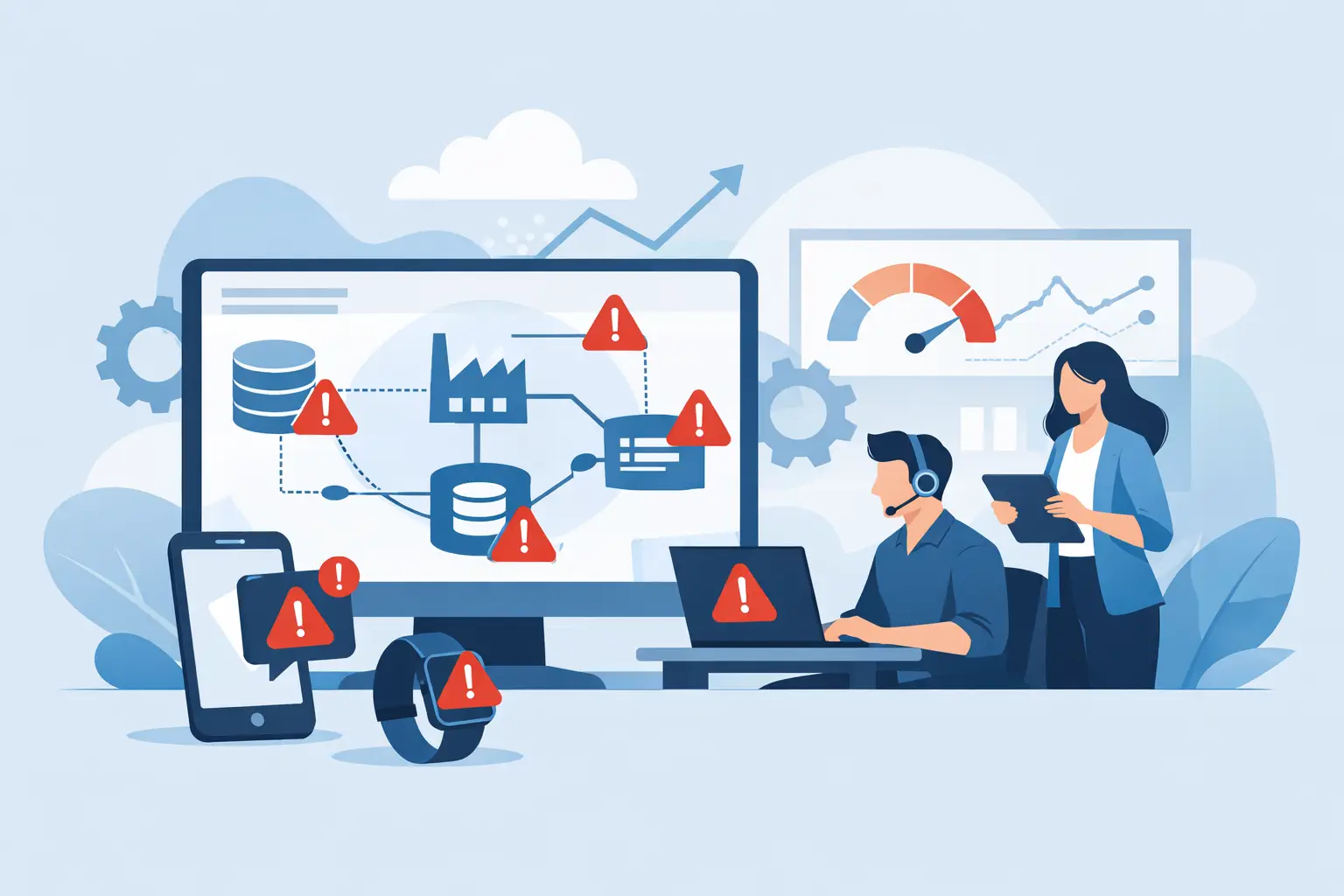
A single underlying failure can produce multiple symptoms. If a connectivity issue affects several integrations, a support team may receive separate alerts for each downstream error. Without correlation, responders spend time sorting through symptoms rather than addressing the cause.
SAP Cloud ALM can provide operational visibility across supported cloud and hybrid landscapes, while complementary dashboards in Grafana, Splunk, or SAP Analytics Cloud can help teams visualize trends and bring related information together. The objective is not to add tools for their own sake. It is to give teams a clear operational picture that supports faster diagnosis.
A well-designed alert should answer several questions quickly: What happened? Where did it happen? How severe is it? What business process may be affected? Who owns the response? What evidence is available to begin investigation? The more of this information a responder can see immediately, the less time is lost during an incident.
SAP Alerting Software in the Cloud ALM Operating Model
SAP Cloud ALM is most effective when it is treated as an operating capability rather than a monitoring tool deployed once and left unattended. Alerting configuration, recipient groups, notification channels, thresholds, event categories, and escalation practices all need ongoing governance.
That governance should involve more than the SAP Basis or platform team. Application owners understand process consequences. Integration teams understand interface dependencies. Service management leaders understand incident procedures and response commitments. Business stakeholders can validate whether severity definitions align with operational reality.
This cross-functional model is especially valuable during cloud transformation. As organizations adopt SAP S/4HANA Cloud, SAP BTP services, cloud integrations, and connected third-party applications, accountability can become fragmented. An alerting design creates shared visibility across those boundaries while still directing action to the right specialist team.
Implementation Should Be Iterative
Trying to configure every conceivable alert before operational use often delays value and creates unnecessary complexity. A phased rollout is usually more effective. Begin with a small group of business-critical scenarios and the production systems that support them. Validate the monitoring scope, alert quality, routing, and response workflow with the teams who will use it.
Once the initial model is working, extend it to additional processes and technical domains. This gives the organization time to refine standards for severity, notification frequency, escalation, and documentation. It also builds confidence that alerts are useful rather than disruptive.
Training is part of this process. Teams need to understand what each severity means, when to acknowledge an alert, when to create or update an incident, and when to escalate. Operational runbooks should be aligned with the alerting model so that responders are not left interpreting a notification without a defined response path.
Measuring Whether Alerting Is Working
The success of SAP alerting software should not be measured by the number of alerts produced. High alert volume may indicate broad coverage, but it can also indicate poor configuration. Better measures focus on operational outcomes.
Look at the percentage of alerts that lead to meaningful action, the mean time to acknowledge, the time to restore service, repeat incident patterns, and the number of business-impacting issues identified before users report them. These measures help leaders understand whether monitoring is reducing risk and whether support teams have the information needed to act decisively.
Trend analysis is equally important. A recurring job delay, interface backlog, or capacity warning may not cause a major incident on any one day, yet it can expose a pattern that deserves corrective action. Alerting should support both immediate incident response and continuous operational improvement.
For many organizations, expert guidance accelerates this work. CloudALMexperts helps SAP teams define monitoring priorities, configure SAP Cloud ALM for Operations, establish meaningful alerting practices, and build the operational capability needed after go-live. The emphasis should remain on a tailored model that fits the organization’s systems, support structure, and transformation goals.
The most useful alert is not the loudest one. It is the one that reaches the right person with enough context to protect a business process before the business feels the impact.