SAP Solution Manager 7.2 has long been the control point for implementation governance, testing, change management, monitoring, and service processes. But when to retire Solution Manager is no longer a distant architecture question. With mainstream maintenance scheduled to end on December 31, 2027, SAP organizations need a deliberate transition plan that protects operational continuity while moving capabilities to SAP Cloud ALM and, where appropriate, complementary tools.
The right answer is rarely to switch everything off on a single date. Solution Manager environments often contain years of custom configuration, monitoring definitions, project documentation, test assets, and operational habits. A successful retirement is a managed capability transition, not a technical decommissioning exercise.
When to Retire Solution Manager: Start Before 2027
The maintenance deadline is clear, but the retirement date for each organization depends on its SAP landscape, transformation roadmap, and current use of Solution Manager. Organizations that are moving to SAP S/4HANA Cloud, adopting SAP cloud services, or modernizing their operational model should begin earlier. These programs create a natural point to establish SAP Cloud ALM as the future platform rather than extending legacy processes into a new environment.
Organizations with stable, heavily customized on-premises landscapes may retain Solution Manager longer during the transition period. That can be sensible, particularly when critical functions cannot be moved immediately. However, waiting until 2027 to begin discovery introduces unnecessary risk. Teams can find themselves competing for specialist resources, rushing governance decisions, and carrying incomplete documentation into production operations.
A practical planning horizon is 18 to 30 months before the intended retirement date. This allows time to assess usage, configure the new operating model, run parallel processes where needed, train teams, and retire functions in controlled waves.
Understand the Deadline and Its Business Impact
The end of mainstream maintenance does not mean every Solution Manager capability disappears overnight. It does mean that the platform should not be treated as the strategic foundation for future SAP lifecycle management. Supportability, innovation, security expectations, and integration requirements all become more difficult to manage as an organization remains dependent on a product beyond its mainstream maintenance window.
For IT leaders, the issue is broader than product support. Solution Manager retirement can affect release governance, test coordination, business process transparency, exception handling, system monitoring, and IT service processes. If those services are not mapped before the transition begins, teams may discover gaps only after a go-live, during an audit, or in the middle of an incident.
The business case for action is therefore operational. A well-planned move can reduce fragmented tooling, establish clearer accountability, and align ALM practices with SAP’s cloud direction. A rushed move can reproduce old complexity in a new platform.
Begin With a Capability Assessment, Not a Migration Checklist
The first task is to understand what Solution Manager actually does in your organization. Many companies have more functionality enabled than they actively use, while other teams rely on locally developed workarounds that are not visible to central IT. A technical inventory alone will not provide the full picture.
Assess each capability through three lenses: business criticality, current adoption, and target-state fit. For example, document whether a process is essential for production stability, whether teams consistently use it, and whether SAP Cloud ALM supports the required outcome now or whether another process or tool is needed.
Common areas to assess include implementation project governance, requirements and task management, testing, change and deployment coordination, business process monitoring, integration monitoring, health monitoring, job monitoring, custom code analysis, IT service management, and solution documentation. The objective is not to recreate Solution Manager feature for feature. The objective is to preserve required business outcomes using a supportable future-state design.
This distinction matters. A legacy process may exist because the previous platform required it, not because it remains the best way to govern delivery or operations. Retirement is an opportunity to simplify approval paths, improve monitoring ownership, and eliminate reports that do not drive decisions.
Define What Moves to SAP Cloud ALM
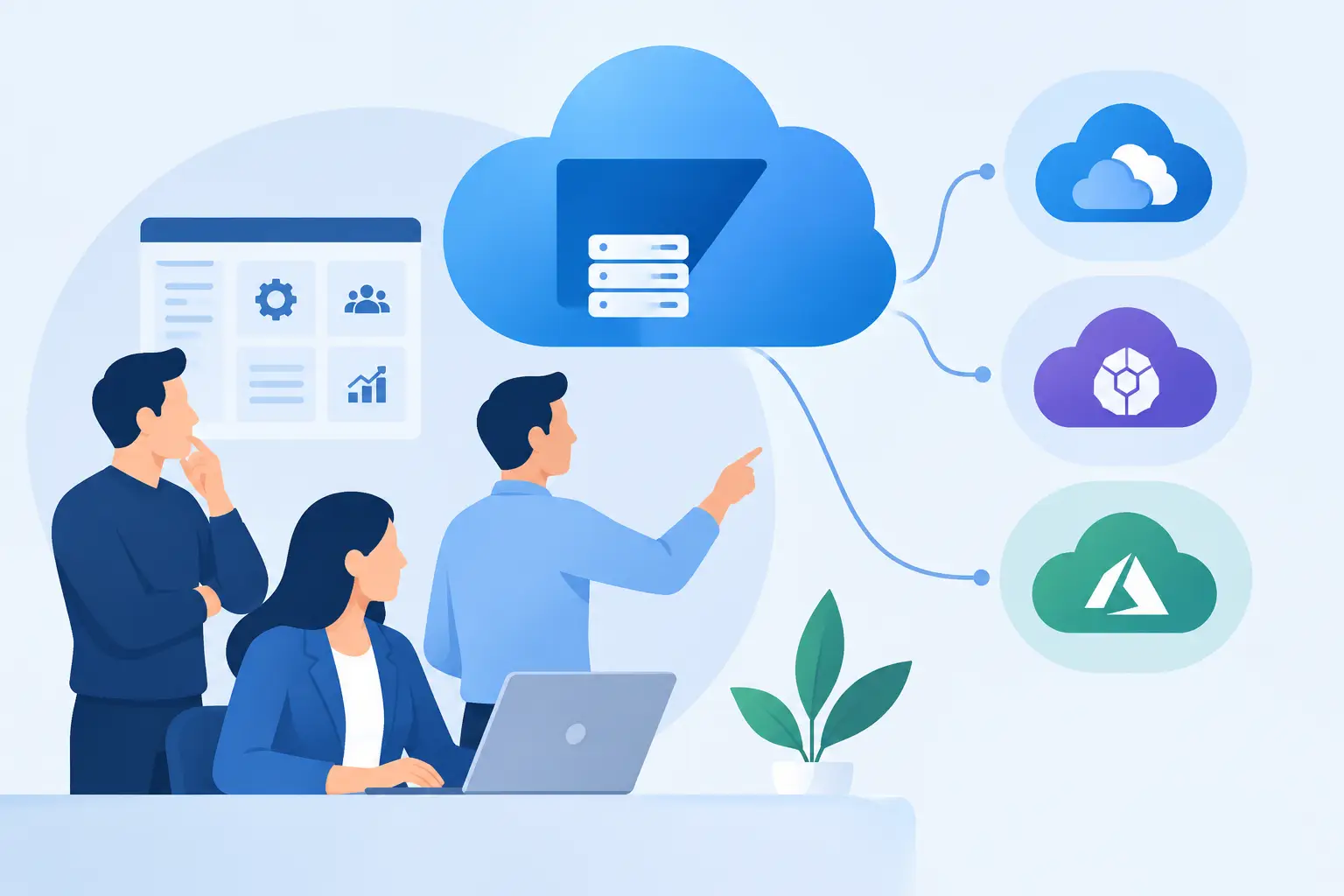
SAP Cloud ALM is designed to support implementation and operations across SAP cloud-centric landscapes. It provides a strong target for many Solution Manager use cases, especially where organizations need structured implementation execution, test management, deployment visibility, business process monitoring, integration monitoring, job and automation monitoring, and operational event management.
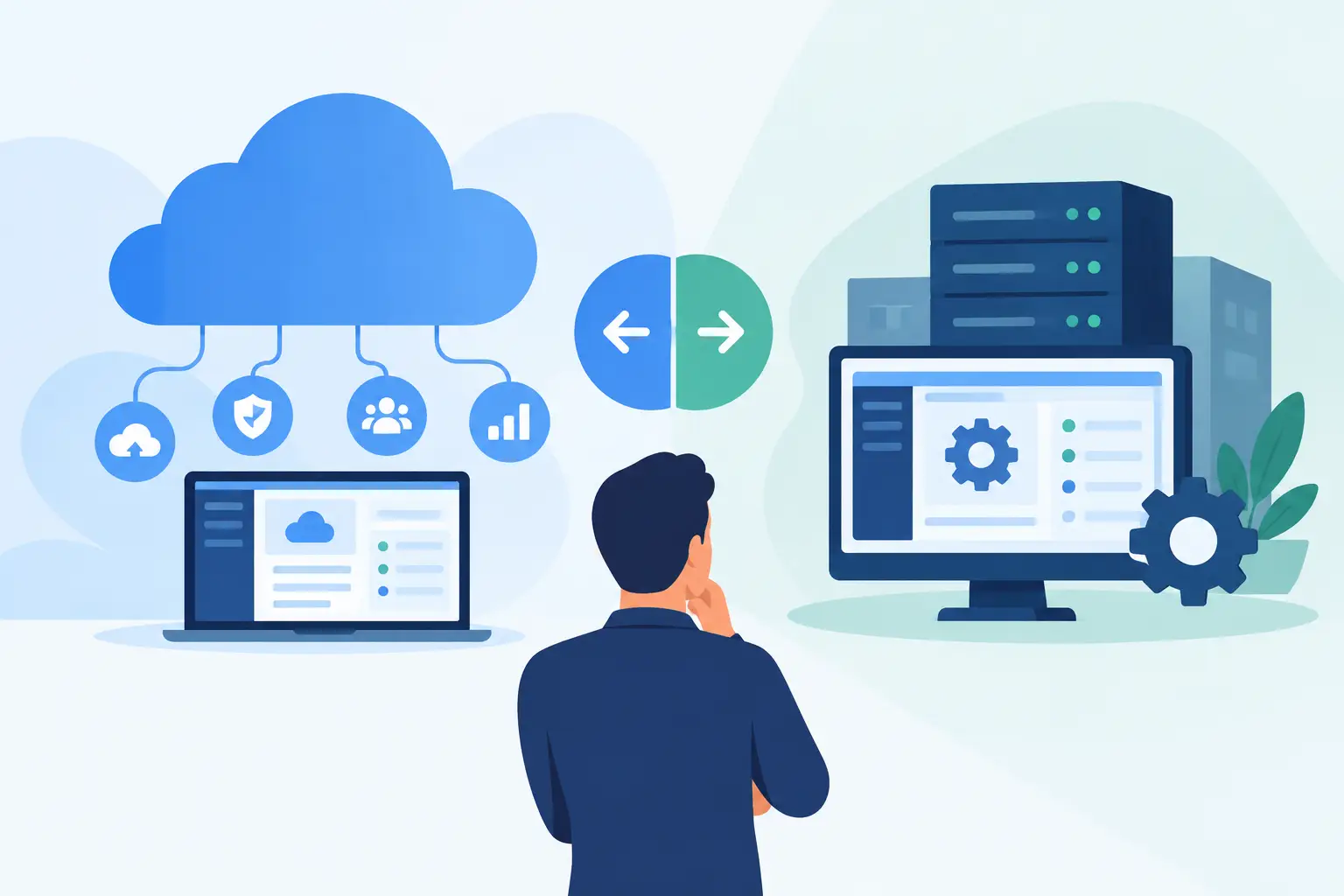
Yet SAP Cloud ALM is not a like-for-like replacement for every Solution Manager scenario. That is not a weakness. It requires architecture decisions based on the needs of the enterprise. Some organizations will continue to use established service management platforms for ITSM. Others may retain specialized observability, security, or analytics tools that are deeply integrated into enterprise operations.
The target architecture should clearly state which capabilities SAP Cloud ALM owns, where external tools remain authoritative, and how teams will work across them. For example, SAP Cloud ALM may identify and contextualize an integration failure, while an enterprise service management platform manages ticket routing and broader incident processes. Clear ownership prevents duplicated alerts, unclear escalation paths, and dashboards that no one trusts.
Avoid the Lift-and-Shift Trap
Replicating every alert, dashboard, workflow, and reporting structure from Solution Manager is usually counterproductive. Monitoring should be redesigned around actionable events and defined operational responsibilities. Implementation processes should reflect current delivery methods rather than old project templates.
Start with the capabilities that create the greatest risk or value. Production monitoring and alert response often deserve early attention because they directly affect business continuity. Implementation governance can then move in alignment with active transformation programs. Lower-value reporting and unused configuration should be candidates for retirement, not migration.
Build a Phased Retirement Roadmap
A phased approach gives SAP teams room to validate the new model without exposing production operations to unnecessary disruption. The sequence will vary, but the roadmap should include discovery, target design, configuration, pilot execution, operational adoption, and controlled decommissioning.
During discovery, capture the current landscape, integrations, users, roles, process dependencies, and retained data requirements. In target design, make explicit decisions about process ownership, monitoring scope, alert thresholds, escalation paths, dashboard audiences, and tool boundaries. This is where governance must be settled, not after configuration is complete.
A pilot should use a meaningful scope, such as a selected business process, application area, or production landscape segment. The pilot tests more than technical setup. It verifies whether operations teams can interpret alerts, whether support teams can resolve issues through the agreed process, and whether leadership receives useful service-level insight.
Parallel running may be appropriate for critical monitoring scenarios, but it should have a defined end date. Running both platforms indefinitely creates duplicated effort and makes it hard to establish trust in the new operating model. Use parallel operations to validate coverage, tune thresholds, and build team confidence, then move decisively.
Treat Data, Documentation, and Audit Needs Separately
Not every Solution Manager record needs to be migrated. Historical test evidence, project records, change documentation, and monitoring history may have regulatory, contractual, or internal audit value. These requirements should be identified early with compliance, legal, and business stakeholders.
In many cases, a controlled archive with defined access is more practical than migrating years of history into a new system. The key is to establish retention rules, ownership, retrieval procedures, and decommissioning evidence. A retirement plan that focuses only on active functionality can leave an avoidable governance gap.
Documentation deserves similar discipline. Update operating procedures, runbooks, support matrices, monitoring ownership, and escalation instructions as part of the transition. If the documentation still refers to Solution Manager after teams have moved to SAP Cloud ALM, operational confusion will persist even when the technology is correctly configured.
Prepare Teams for a Different Operating Model
Cloud ALM adoption is a people and process change as much as a platform change. Basis teams, application support, integration teams, project managers, testers, and service owners may all interact with the new capabilities differently. Role-based enablement is more effective than broad tool demonstrations.
Operations teams need practical training on alert interpretation, event handling, monitoring coverage, and daily administration. Delivery teams need to understand how implementation tasks, testing, and deployment governance are managed. Leaders need dashboards and reporting that reveal operational performance without forcing them to navigate technical detail.
CloudALMexperts supports this transition with specialist guidance spanning assessment, SAP Cloud ALM configuration, operational adoption, administration, monitoring design, and team enablement. The value of focused support is not simply faster configuration. It is helping teams make the right decisions about what to standardize, what to retain, and what to retire.
Measure Readiness Before Switching Off Solution Manager
A retirement decision should be based on evidence. Before decommissioning Solution Manager, confirm that all critical business processes and systems have agreed monitoring coverage, alerts route to accountable teams, support procedures have been tested, required documentation is accessible, and retained data meets governance requirements.
Also verify adoption. A dashboard configured but ignored is not an operational capability. Review whether users access the new platform, whether incidents are resolved using the defined process, whether alert noise is under control, and whether service owners can explain their production health indicators.
The most successful organizations do not ask whether they have technically replaced Solution Manager. They ask whether their teams can operate, govern, and improve the SAP landscape confidently without it. Begin that work now, and the 2027 deadline becomes a disciplined transformation milestone rather than a last-minute operational risk.