Most SAP teams do not struggle with the idea of SAP Cloud ALM. They struggle with the handoff from interest to execution. If you are asking how to implement SAP Cloud ALM, the real question is usually broader: what should be configured first, who should own it, and how do you make it useful for both project delivery and ongoing operations?
That is where many programs lose momentum. They activate the tenant, explore a few features, and then stall because the platform is not yet tied to clear processes, roles, and outcomes. A strong implementation starts with business intent, not just technical setup.
How to implement SAP Cloud ALM with a clear scope
The first decision is not configuration. It is scope. SAP Cloud ALM can support implementation activities, operational monitoring, service processes, and administration. Trying to stand up every capability at once usually creates confusion, especially in organizations already managing a major SAP transformation.
A better approach is to define the initial use case in business terms. For one organization, that may mean project governance for an S/4HANA program, with requirements traceability, task management, and test execution as the priority. For another, it may mean operations first, where health monitoring, integration visibility, and event management matter more than implementation workstreams.
This choice affects everything that follows, including team design, data preparation, dashboard needs, and training. It also reduces a common risk: launching SAP Cloud ALM as a generic platform initiative without a practical adoption path.
At this stage, executive sponsorship matters, but process ownership matters more. You need named owners for implementation governance, operations monitoring, and platform administration. If ownership stays vague, SAP Cloud ALM becomes everyone’s tool and no one’s responsibility.
Start with readiness, not configuration
Before any serious setup begins, assess whether the foundational conditions are in place. That means understanding your SAP landscape, tenant strategy, integration points, user roles, and current delivery or operations model. It also means being realistic about maturity.
For example, if your implementation team still manages requirements, defects, and testing in disconnected tools with inconsistent standards, SAP Cloud ALM can help, but it will not fix process ambiguity by itself. The platform works best when it supports a defined operating model rather than substitutes for one.
Readiness also includes access and governance. Teams need the right authorizations, identity setup, and administration model early. Many delays that appear technical are actually administrative. If your security and platform teams are not aligned from the start, progress slows quickly.
A focused readiness workshop is often the fastest way to surface these issues. It clarifies what systems are in scope, what business outcomes are expected, and what dependencies could block value later.
Design the operating model around real users
The most effective SAP Cloud ALM implementations are designed around the people who will use the platform every week. That sounds obvious, but it is often missed. Programs tend to focus on features instead of workflows.
A project manager needs visibility into milestones, scope, risks, and test progress. A release lead needs structured control of changes and deployment readiness. An operations team needs meaningful alerts, event correlation, and dashboards that reflect business services, not just technical signals. These are different user journeys, and your design should reflect that.
This is also where trade-offs appear. A heavily standardized setup can improve control and reporting, but it may slow adoption if teams feel constrained by processes that do not match their delivery model. On the other hand, a highly flexible setup may drive early buy-in but weaken governance over time. The right answer depends on the complexity of your SAP landscape, the maturity of your PMO, and the level of compliance pressure in your organization.
Configure in phases to avoid shelfware
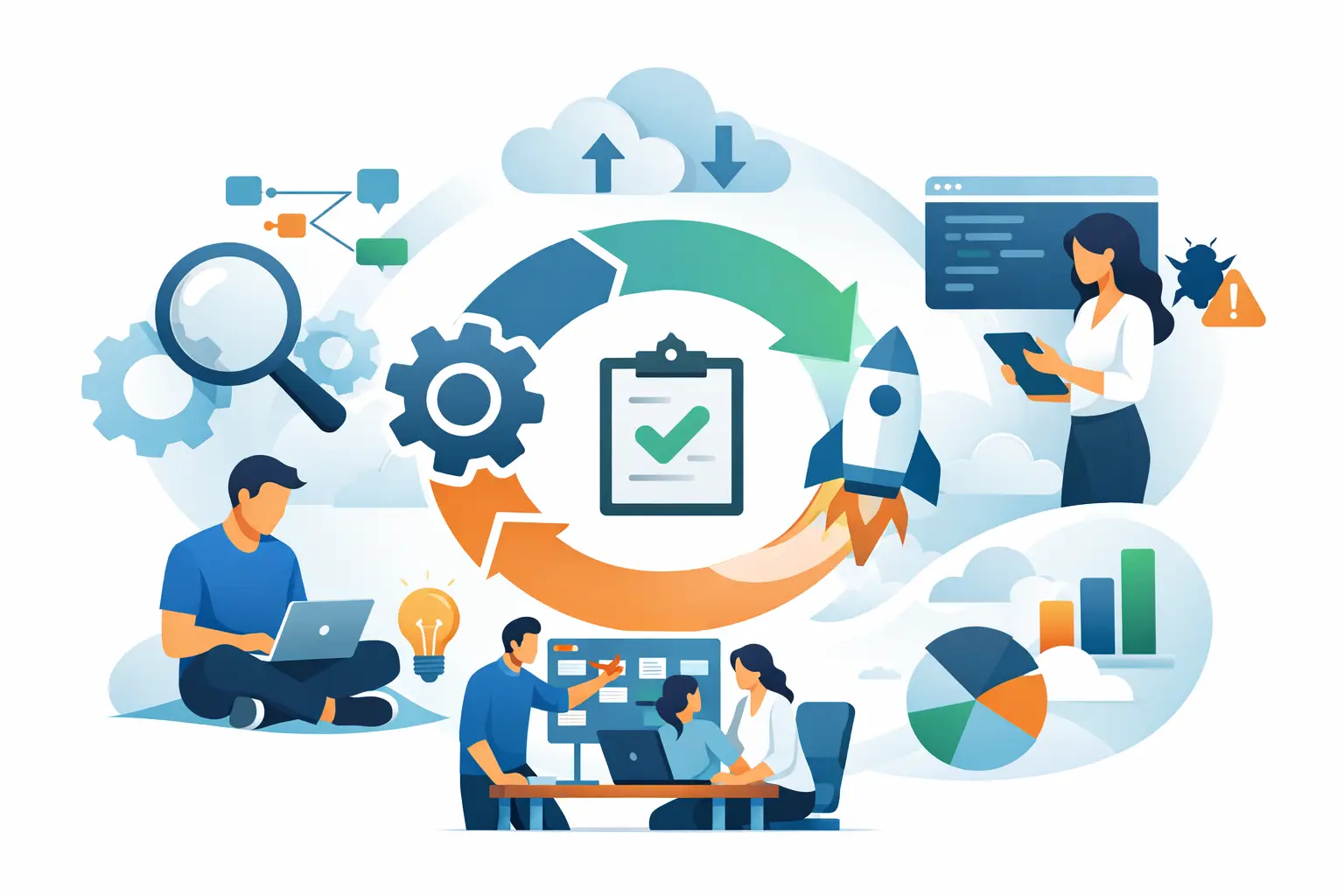
Once scope and operating model are set, implementation should move in phases. This is the practical answer to how to implement SAP Cloud ALM without creating shelfware.
Phase one should establish the core foundation. That typically includes tenant setup, administration, user roles, landscape onboarding, and the minimum process configuration required for your chosen use case. If implementation is the priority, focus on requirements, tasks, testing, and project structure. If operations is the priority, focus on system monitoring, business process monitoring where relevant, integrations, and alert handling.
Phase two should make the platform usable in context. This is where dashboards, reporting views, naming conventions, templates, and workflow standards start to matter. Teams need consistent ways to work, not just access to features. A tool becomes operationally valuable when people can interpret it quickly and act with confidence.
Phase three is optimization. At this point, data quality, signal tuning, automation opportunities, and cross-team adoption become the focus. This is also where many organizations expand from one domain to another, such as moving from implementation support into operations monitoring after go-live.
The phased approach is more disciplined than a broad launch, but it also requires patience. Some stakeholders will want to enable every capability immediately. In practice, value comes faster when the first release is intentionally narrow and operationally sound.
Data quality and integration determine trust
Trust is the dividing line between a platform that gets used and one that gets bypassed. In SAP Cloud ALM, trust depends heavily on data quality and integration discipline.
If project objects are incomplete, testing records are inconsistent, or monitoring alerts generate too much noise, teams will revert to spreadsheets, emails, and side systems. That creates the exact fragmentation SAP Cloud ALM is supposed to reduce.
This is why implementation should include clear standards for object naming, status management, ownership, and reporting logic. It should also include review cycles to validate whether dashboards reflect reality. A dashboard that looks polished but fails operationally will damage adoption faster than a simple report that people trust.
Integration decisions should be made with the same care. Not every connection needs to be built immediately, but the ones that support core delivery and operational visibility should be prioritized. The goal is not integration for its own sake. The goal is a usable control point for the SAP lifecycle.
Training should be role-based and practical
Training is where many SAP Cloud ALM programs underinvest. A generic walkthrough of features rarely changes behavior. What users need is role-based enablement tied to their actual responsibilities.
Project teams should learn how to manage requirements, tasks, tests, and status in the agreed process. Operations teams should learn how to interpret alerts, manage exceptions, and use dashboards in daily routines. Administrators should understand tenant management, authorizations, configuration controls, and support procedures.
This sounds straightforward, but it is one of the biggest differentiators between technical activation and operational adoption. When training is practical, users understand not just where to click, but why the process matters and how it supports decision-making.
It also helps to define what good usage looks like. Adoption is easier to measure when teams know the expected cadence for updates, reviews, alert handling, and governance checkpoints.
Governance is what keeps SAP Cloud ALM useful
A successful launch is only the starting point. Without governance, SAP Cloud ALM can become cluttered, inconsistent, and less reliable over time.
Governance does not need to be heavy, but it does need to be explicit. Someone should own administration standards. Someone should review process adherence. Someone should evaluate enhancement requests and decide whether they improve the platform or simply add noise. These controls protect long-term value.
This is especially important after major milestones such as testing cycles, cutover, or go-live. The platform often needs to evolve as the organization moves from project execution into operational support. What worked for implementation may need refinement for steady-state operations.
For organizations with limited internal capacity, specialist support can accelerate this transition. A focused partner like CloudALMexperts can help reduce trial and error, especially when teams need both implementation discipline and operational monitoring maturity.
What success looks like after go-live
If SAP Cloud ALM is implemented well, the result is not just a configured platform. It is better lifecycle control. Project leaders can see delivery progress without chasing updates. Operations teams can identify issues sooner and respond with more context. Governance becomes more consistent because data lives in a structured process rather than scattered tools.
That does not mean every organization will use SAP Cloud ALM the same way. Some will prioritize implementation rigor first. Others will get the strongest return from monitoring and service visibility. The key is to match the rollout to the transformation stage you are actually in, not the one you hope to reach six months from now.
The smartest move is usually the least flashy one: start with a defined outcome, configure for real users, and build enough governance to sustain trust. When SAP Cloud ALM is implemented that way, it stops being another platform to manage and starts becoming a control point your SAP teams can rely on.