Manual operations work usually hides in plain sight. A monitoring alert gets forwarded by email, a ticket is created late, a job failure is noticed after business users complain, and the same triage steps get repeated by different teams. That is exactly where sap cloud alm operations automation starts to matter – not as a buzzword, but as a practical way to reduce avoidable effort and improve operational control across SAP landscapes.
For SAP-driven organizations moving deeper into cloud operations, the challenge is rarely access to data. The challenge is turning operational signals into consistent action. SAP Cloud ALM gives teams a structured foundation for monitoring, event visibility, health checks, and operations oversight. Automation strengthens that foundation by reducing dependence on manual follow-up, standardizing responses, and improving the speed and quality of issue handling.
What SAP Cloud ALM operations automation really means
In practice, automation in SAP Cloud ALM for operations is not about replacing the operations team. It is about removing repetitive coordination work so the team can focus on exceptions, root causes, and service quality. That distinction matters because many organizations expect automation to solve process problems that are still undefined or inconsistently owned.
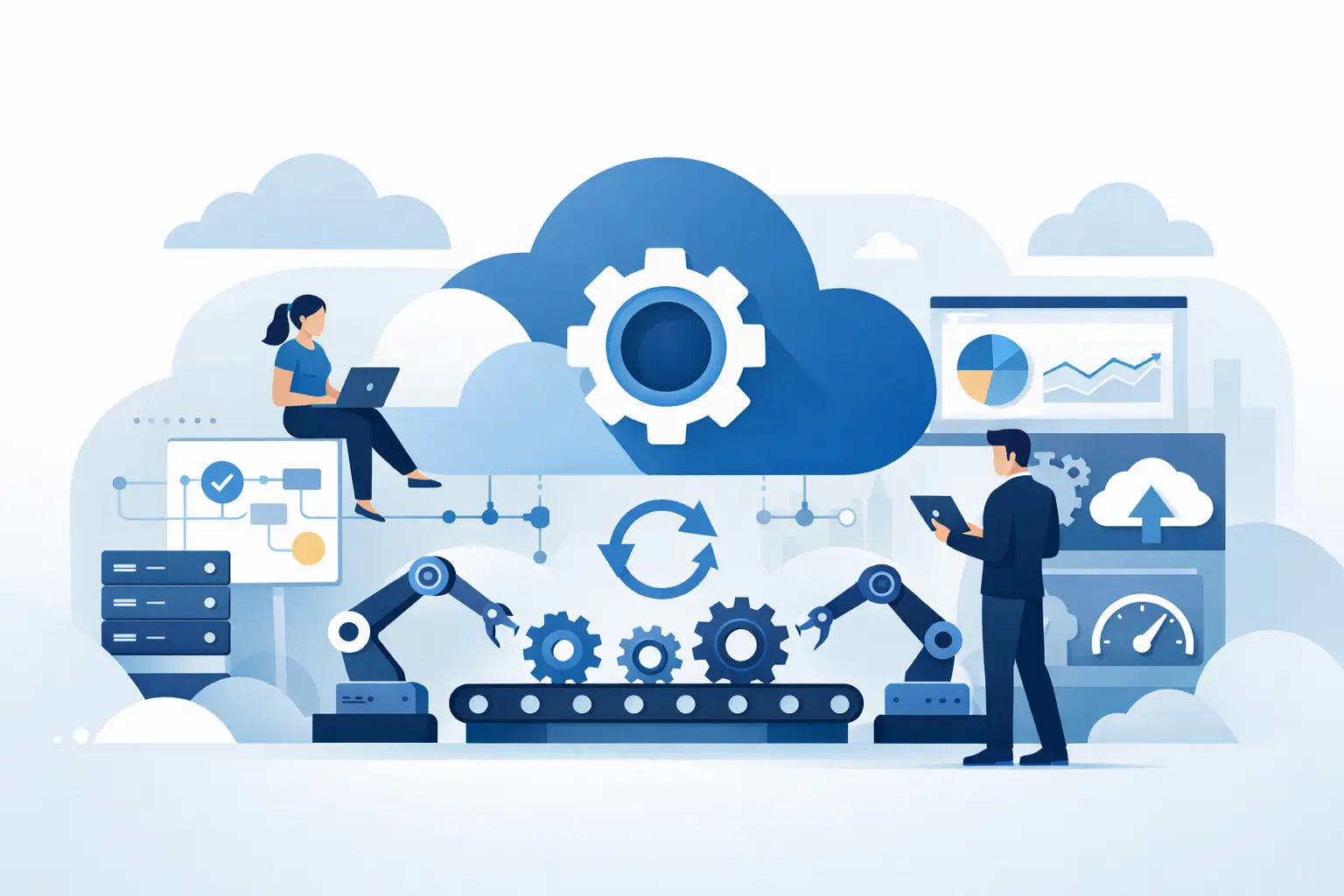
A useful starting point is to think of automation as three connected layers. First, SAP Cloud ALM collects and presents operational insight through monitoring and alerting. Second, teams define what should happen when specific conditions are met. Third, those actions are routed into the tools, workflows, and ownership models the organization already uses. When these layers are aligned, operations become more predictable.
This can include automated alert forwarding, event-based ticket creation, threshold-driven notifications, escalation paths, and tighter integration between monitoring and service operations. It can also include dashboard-driven workflows that help teams spot trends before they become incidents. The value is not in automating everything. The value is in automating the right actions at the right time.
Where automation delivers the fastest operational gains
Most SAP organizations do not need a massive automation program to get results. They need to start with the operational friction points that create the most noise or delay.
Alert handling and routing
A common issue is that alerts exist, but ownership is unclear. Teams receive too many notifications, too little context, or both. Automation helps by routing alerts based on system, severity, service, or support model. That sounds basic, but it often removes hours of coordination each week and reduces the risk of unresolved events sitting in shared inboxes.
Incident creation and escalation
When monitoring data and service processes are disconnected, teams waste time manually recreating issue context in another tool. Automation can trigger incident creation from meaningful alerts and attach the operational information support teams need to act faster. The trade-off is that poor alert design will create poor ticket design. If every warning becomes an incident, teams quickly lose trust in the process.
Job and integration monitoring follow-up
Business job failures and integration interruptions are among the easiest areas to improve with automation because the consequences are visible and often time-sensitive. Instead of relying on users to report an issue, operations teams can define threshold-based responses and escalation rules that trigger as soon as a failure pattern appears.
Standardized operational dashboards
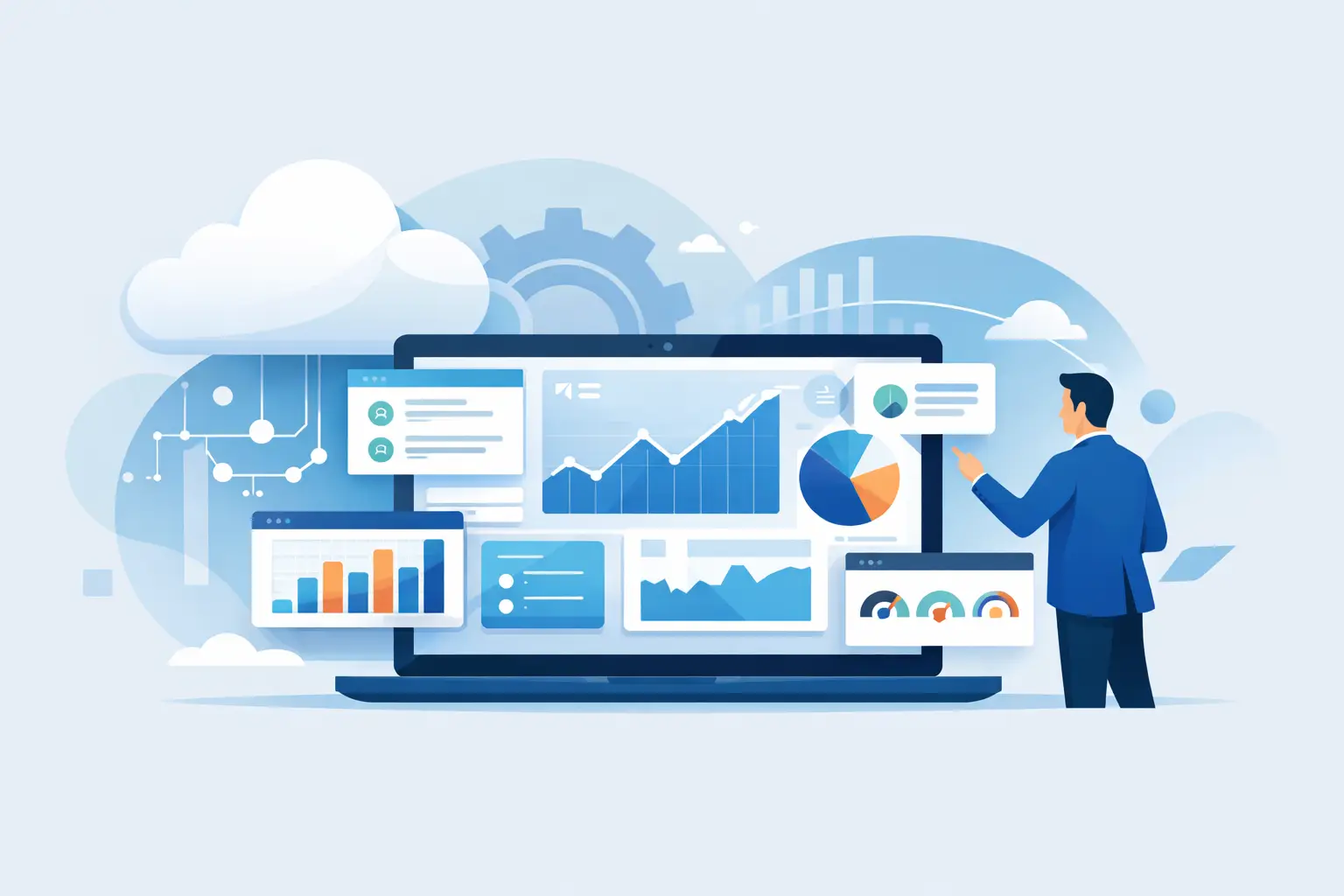
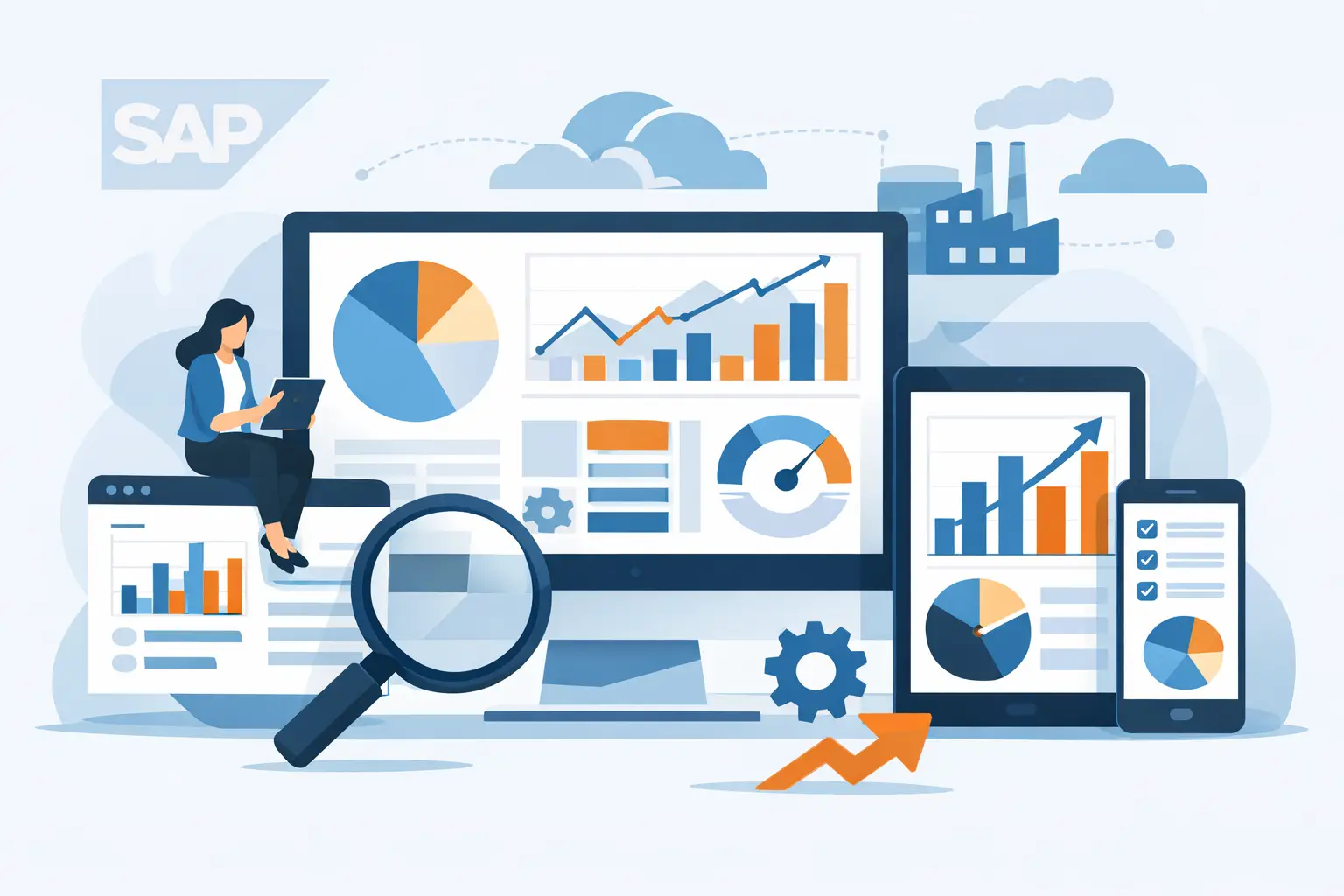
Automation is not only about triggers and tickets. It also matters in reporting. Organizations often spend significant effort compiling operational status manually for leadership, service review meetings, or transformation governance. Structured monitoring within SAP Cloud ALM, paired with dashboarding approaches, helps teams create repeatable operational views with less manual interpretation.
Why many automation efforts stall
The technology is only one part of the equation. More often, automation stalls because the operating model is still immature.
Some teams try to automate before they have agreed on alert ownership, severity definitions, support windows, or escalation rules. Others import existing processes that were designed for on-premise support models and expect them to work unchanged in hybrid or cloud-first landscapes. The result is predictable: too many alerts, duplicate actions, inconsistent response behavior, and low confidence in the monitoring framework.
Another common problem is trying to automate every possible scenario too early. A better path is phased adoption. Start with a narrow set of high-value use cases, validate ownership and thresholds, and then expand. Automation should reduce operational complexity, not introduce a second layer of it.
How to approach SAP Cloud ALM operations automation the right way
A practical automation strategy starts with service outcomes, not features. The first question should be what the operations team needs to improve: incident response time, monitoring coverage, event quality, business process continuity, or reporting discipline. That goal then shapes configuration, workflow design, and governance.
Define the operational use cases first
Not every monitored event deserves automation. Focus first on events that are frequent, business-relevant, and actionable. If a signal does not lead to a clear response, automating it will only increase noise. Good use cases usually have a known owner, a known response path, and measurable impact.
Tune monitoring before expanding automation
This is where many projects either succeed or drift. Thresholds, filters, and alert logic need to reflect actual operational priorities. If teams skip this tuning step, they automate false positives and train users to ignore alerts. In SAP environments with multiple products, interfaces, and cloud services, that tuning work is essential.
Align automation with support processes
Automation should fit the real operating model. That includes service desk ownership, resolver group structure, escalation timelines, and after-hours support expectations. The configuration may be technically correct and still fail operationally if it does not match how teams work.
Build in reporting and review
Automation is not set-and-forget. Teams need regular reviews to evaluate alert volumes, incident quality, missed events, and response patterns. These reviews often reveal where thresholds should change, where workflows need simplification, and where training is still required.
The role of specialist expertise
SAP Cloud ALM is powerful, but operations automation works best when configuration decisions are grounded in real SAP support experience. That is especially true in organizations running complex landscapes, multiple implementation waves, or hybrid monitoring models.
A specialist partner can help translate operational goals into workable design choices. That includes identifying where standard capabilities are sufficient, where process adjustment is needed, and where supporting dashboards or integrations can extend operational visibility. It also helps teams avoid a common trap: overengineering automation before the core monitoring model is stable.
For many organizations, the fastest route to value is not a large transformation initiative. It is a structured enablement approach that covers setup, use-case design, administration, operations training, and post-go-live refinement. That is where focused SAP Cloud ALM expertise tends to make a measurable difference.
What good looks like after rollout
When SAP Cloud ALM operations automation is working well, the change is noticeable. Teams spend less time chasing context and more time resolving issues. Alert quality improves because thresholds and ownership are clearer. Service managers gain a better view of operational health without waiting for manual updates. Leadership sees stronger discipline around operations, not just more tooling.
There are still trade-offs. Automation can speed up the wrong process if governance is weak. It can also expose gaps in support ownership that were previously hidden by manual effort. That is not a reason to avoid it. It is a reason to treat automation as part of operating model maturity, not just as a technical add-on.
Organizations that get the most from SAP Cloud ALM typically take a practical approach. They automate repetitive actions, preserve human judgment where it matters, and refine the model over time. If the goal is better operational resilience, faster response, and less wasted effort, that is the right standard to hold.
For SAP teams under pressure to support transformation while maintaining operational stability, automation should not be framed as an all-or-nothing decision. It should be treated as a disciplined way to make day-to-day operations more consistent, measurable, and easier to scale. That is where the real value shows up – not in the demo, but in the quiet reduction of preventable operational friction.