A monitoring project usually goes off track for one simple reason: teams start with tools before they define operational responsibility. If you are working out how to configure cloud alm monitoring, the first decision is not technical. It is organizational. You need clarity on which systems matter most, who owns alerts, what business processes need protection, and how quickly the team is expected to respond.
SAP Cloud ALM can give operations teams a much cleaner monitoring model than a patchwork of disconnected tools. But that only happens when configuration is aligned with real operating priorities. For SAP-driven organizations, especially those moving through transformation or stabilizing after go-live, monitoring needs to support action, not just visibility.
How to configure cloud alm monitoring with the right scope
Before you configure metrics, events, or notifications, define scope in business terms. That means identifying the SAP landscape components you want monitored, the integration points that create risk, and the services that are operationally critical. In many organizations, the initial temptation is to monitor everything available. That usually creates noise faster than value.
A better approach is to begin with a small but meaningful monitoring baseline. Focus first on productive systems, high-impact interfaces, job monitoring, health monitoring, and core integration scenarios. If your organization is in the middle of a major SAP transition, that baseline should reflect where operational disruption would cause the most cost or business impact.
This is also the point where role clarity matters. Basis teams, application support, integration support, and service owners often need different views of the same environment. If the monitoring design ignores that, dashboards become generic and alerts get routed to the wrong teams. Good configuration is not just about what SAP Cloud ALM can collect. It is about shaping the monitoring model so the right people can act quickly.
Prepare the foundation before configuration starts
SAP Cloud ALM monitoring works best when prerequisites are handled carefully. That includes tenant readiness, system onboarding, authorizations, and connectivity between SAP Cloud ALM and the services or systems you want to observe. If any of those are only partially complete, monitoring results will be inconsistent and trust in the platform drops early.
Start by confirming that your monitored landscape is accurately represented. Productive tenants, relevant technical systems, and integration endpoints should be onboarded correctly. Naming conventions matter more than many teams expect. When system names, environments, and service identifiers are inconsistent, dashboards become harder to interpret and alert triage takes longer.
Authorizations should also be reviewed with discipline. Monitoring teams need enough access to configure, interpret, and maintain monitoring objects, but not every role should have broad administrative rights. The trade-off here is speed versus control. In smaller teams, wide access may feel efficient. In larger enterprise settings, it usually creates governance problems later.
Configure monitoring use cases in a practical sequence
The most effective way to configure cloud alm monitoring is to follow the operating reality of your support model. Start with the use cases that generate the fastest operational value, then expand.
Health monitoring is often the best starting point. It gives teams a technical baseline for system availability and status, making it easier to identify whether a problem is isolated or part of a wider issue. From there, integration monitoring usually deserves early attention, especially in landscapes where business processes depend on consistent data movement between SAP and non-SAP services.
Job and automation monitoring should follow closely. Failed jobs can quietly create downstream business disruption long before users raise incidents. When configured well, this area can reduce firefighting significantly. Business process monitoring may come next, but only if the underlying technical and integration signals are already reliable. Otherwise, the process layer adds complexity without enough operational confidence underneath it.
This sequence matters because not every monitoring capability has the same maturity impact. Some produce immediate actionability. Others are valuable only after teams have established alert ownership, escalation handling, and dashboard routines.
Set thresholds based on operational behavior
Threshold configuration is where many monitoring programs either become useful or become noisy. Default values can be a starting point, but they are rarely enough on their own. Every SAP landscape has its own usage profile, batch windows, integration peaks, and business-critical timing.
A threshold that makes sense in one environment may produce constant false positives in another. CPU spikes during planned processing windows, delayed interfaces during partner maintenance windows, or temporary volume surges at month-end all need context. If monitoring ignores those patterns, users stop trusting alerts.
The practical answer is to tune thresholds iteratively. Start with conservative settings, review alert behavior over a defined period, then adjust based on evidence. That review should involve both technical operations and business-aware support leads. Purely technical tuning often misses the business significance of recurring exceptions.
Build alerting for response, not just awareness
An alert that reaches the wrong person is only slightly better than no alert at all. SAP Cloud ALM monitoring should be configured around response paths. That means deciding which events need immediate notification, which should appear in dashboards for review, and which can be tracked as trends rather than urgent incidents.
Critical alerts should map clearly to support ownership. Integration issues may need one team, application health another, and service consumption risks another. If your organization runs a tiered support model, configure alerts to reflect that structure. A first-line operations team may need broad visibility, while specialist teams only need escalations tied to their domain.
This is also where restraint matters. Too many real-time notifications create fatigue. Too few create blind spots. The right balance depends on staffing model, hours of coverage, and business criticality. There is no universal alert template that works for every SAP operation.
How to configure cloud alm monitoring dashboards that teams will use
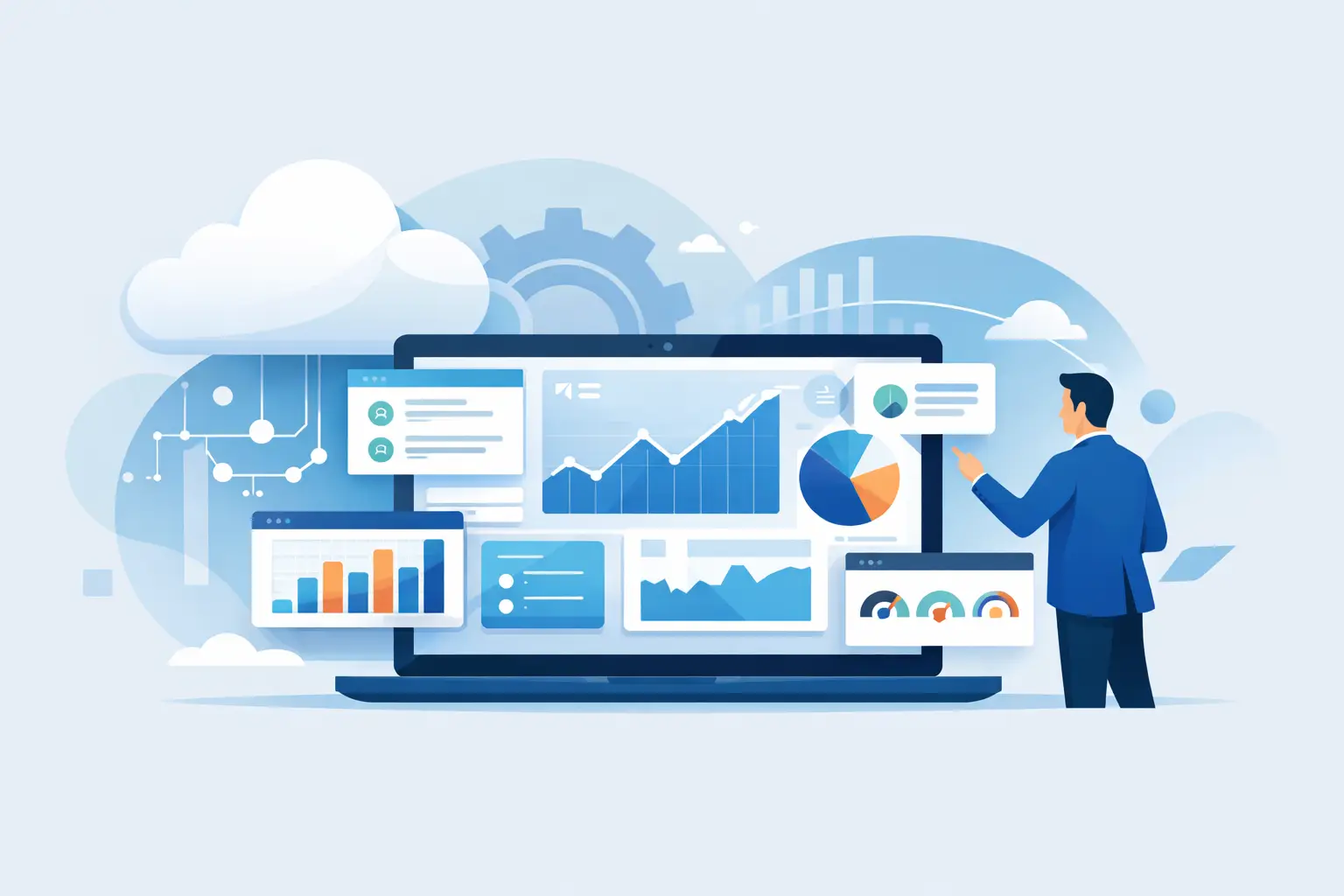
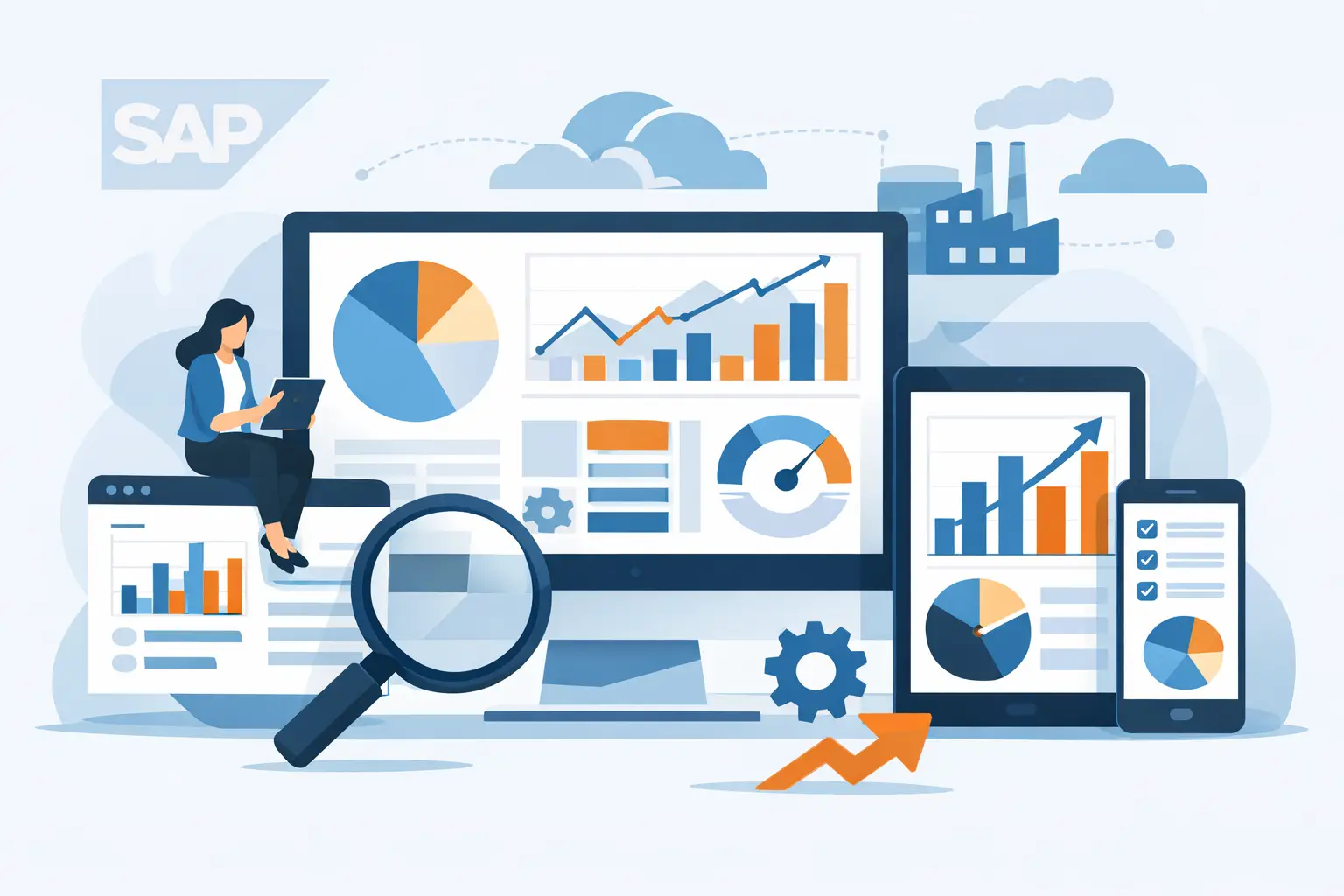
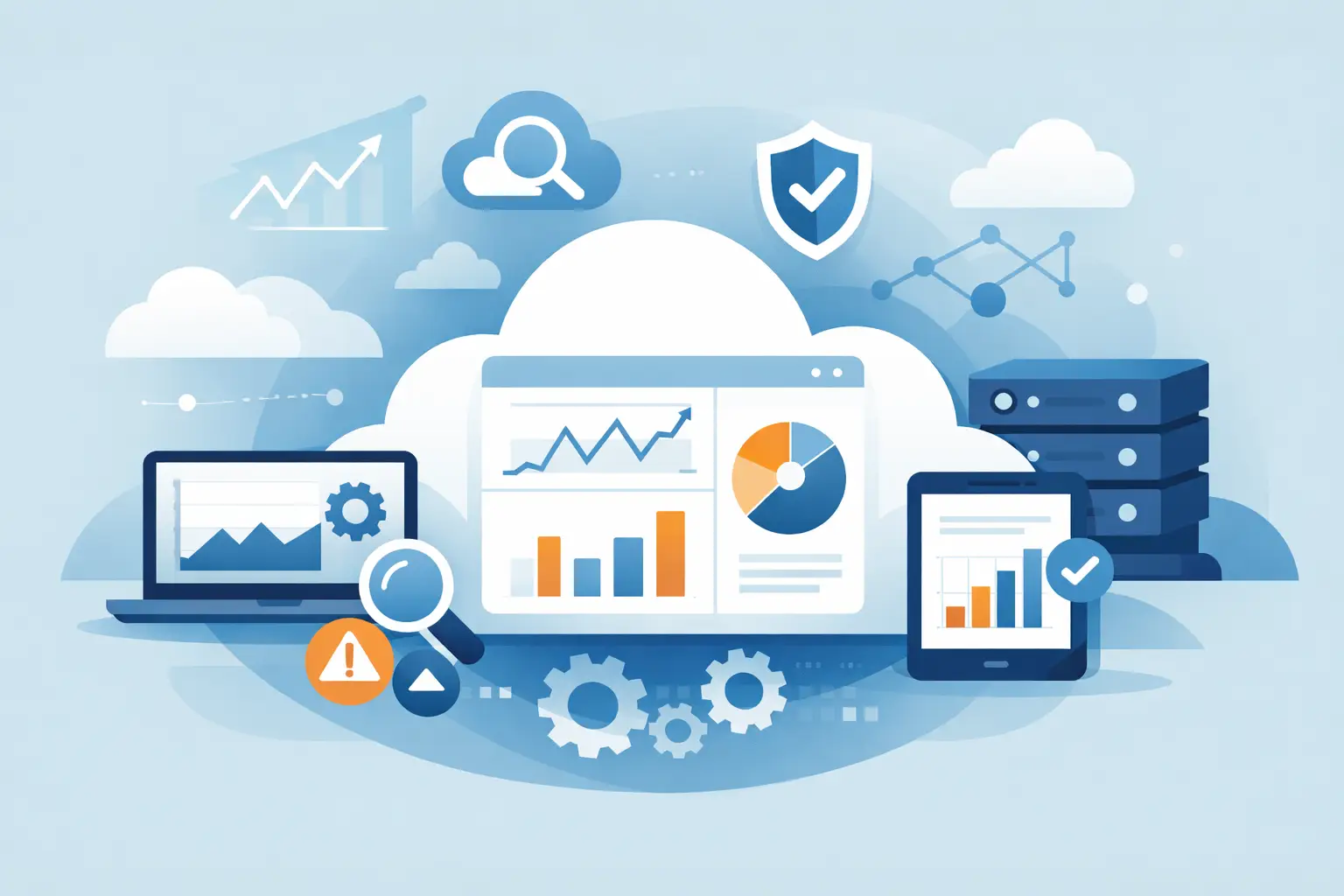
Dashboards should answer operational questions quickly. They should not be designed as executive wallpaper or technical clutter. The most useful dashboards are role-based and focused.
An operations dashboard may center on system health, open alerts, recurring failures, and monitoring status. An integration dashboard may emphasize message flow, failed interfaces, and exception trends. A service owner may need a simpler view that highlights business impact, service degradation, and unresolved issues.
The mistake to avoid is trying to create one dashboard for everyone. That usually satisfies nobody. Different users make different decisions, so dashboard design should support those decisions directly. This is where specialist support can make a measurable difference. Teams like CloudALMexperts often help clients move from generic visibility to dashboards that actually support daily operations, escalation management, and service governance.
Plan for governance, not just go-live
Monitoring configuration is not finished when alerts start appearing. It needs governance if it is going to stay valuable. SAP environments change. Interfaces are added. Business priorities shift. Support teams rotate. Thresholds that worked during hypercare may not fit a stabilized steady-state environment six months later.
Set a regular review cycle for monitoring quality. That includes checking stale alerts, unused dashboards, threshold tuning needs, ownership changes, and any monitored objects that no longer reflect the current landscape. Monitoring sprawl is a real issue. Without periodic cleanup, teams inherit layers of signals that no longer serve a purpose.
It is also worth tracking basic performance indicators for the monitoring setup itself. Look at alert volume, false-positive rates, unresolved alert aging, and time to response. Those measures tell you whether the configuration is helping operations mature or simply generating overhead.
Common mistakes when configuring Cloud ALM monitoring
The most common mistake is over-configuring too early. Teams often enable broad monitoring coverage before they have enough ownership, threshold discipline, or support readiness. The result is predictable: noise, confusion, and declining engagement.
Another issue is treating monitoring as a technical project only. In reality, it sits at the intersection of platform configuration, process design, and operational governance. If those areas are handled separately, the setup may work technically but fail operationally.
A third mistake is skipping enablement. Even strong support teams need guidance on how SAP Cloud ALM presents data, how alerts should be interpreted, and when escalation is required. Tools do not create operational discipline on their own.
The strongest monitoring setups are usually not the biggest. They are the ones with clear scope, reliable onboarding, tuned thresholds, role-based dashboards, and an agreed response model. If you approach configuration in that order, SAP Cloud ALM becomes more than a visibility layer. It becomes part of how your organization runs SAP operations with greater confidence, accountability, and control.
The best time to improve monitoring is before the next major issue forces the conversation.