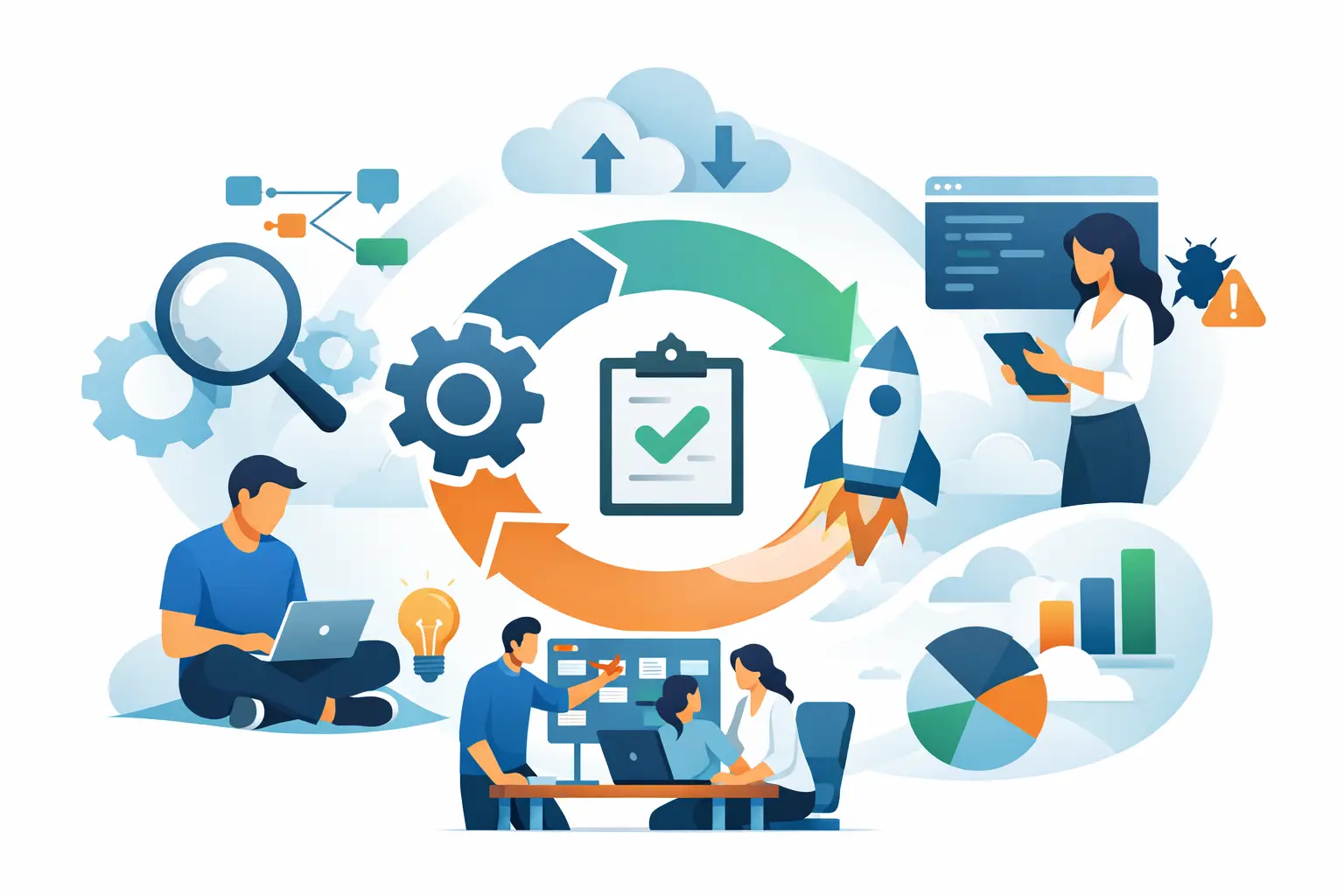
Most SAP teams do not struggle because SAP Cloud ALM lacks capability. They struggle because they turn it on without deciding what problem it needs to solve first. If you want to understand how to use SAP Cloud ALM well, start by treating it as an operating model, not just another SAP tool.
SAP Cloud ALM is designed to support implementation, operations, and service processes across cloud-centric SAP landscapes. That sounds straightforward, but the value depends on how clearly your team defines ownership, data scope, and the handoff between project delivery and steady-state operations. Organizations that get results usually begin with a narrow use case, prove adoption, and then expand.
How to use SAP Cloud ALM without overcomplicating it
The fastest way to lose momentum is to activate every capability at once. SAP Cloud ALM covers implementation governance, task management, monitoring, alerting, integration visibility, job and automation oversight, and operational transparency. That breadth is useful, but it also creates noise if your team has not aligned on priorities.
A practical starting point is to choose one of two paths. If your immediate need is delivery discipline during an SAP program, begin with SAP Cloud ALM for Implementation. If your main challenge is operational visibility after go-live, begin with SAP Cloud ALM for Operations. Both can coexist, but they solve different leadership problems.
For implementation-focused teams, the platform helps organize requirements, track tasks, coordinate testing, and maintain project structure across workstreams. For operations teams, it provides monitoring for business processes, integrations, exceptions, health signals, and event-driven alerts. In both cases, the tool works best when it supports an agreed process rather than trying to create one after the fact.
Start with scope, governance, and system readiness
Before configuration begins, define which SAP solutions, tenants, and environments will be in scope. That decision affects data collection, monitoring setup, user access, and reporting expectations. It also prevents a common issue where one team assumes enterprise-wide coverage while another has only enabled a limited subset of systems.
Governance matters just as much. Someone needs ownership for administration, alert routing, template decisions, and ongoing maintenance. In many organizations, project teams set up SAP Cloud ALM during implementation, but operations teams inherit it later with limited context. That handoff often weakens adoption. A better model is shared ownership from the start, with implementation and operations represented in design decisions.
System readiness is the next checkpoint. Your landscape needs the right connectivity, authorizations, and technical prerequisites for data to flow consistently into SAP Cloud ALM. This is where many deployments either gain traction or stall. If telemetry is incomplete, alerts are poorly tuned, or monitored services are not properly connected, confidence in the platform drops quickly.
Using SAP Cloud ALM for implementation
Implementation teams should use SAP Cloud ALM to create structure, accountability, and visibility across the project lifecycle. That starts with project setup and workstream definition. Requirements should be organized in a way that reflects business process ownership, not just technical components. Testing should be planned with enough granularity to show real progress and defect trends rather than broad status labels that hide delays.
Task management is where many teams see immediate value. Instead of relying on disconnected spreadsheets and status meetings, project leads can track deliverables, dependencies, and ownership in one environment. This is especially useful in multi-vendor or cross-functional programs where accountability tends to blur.
There is a trade-off, though. If you overengineer templates and approval flows, users may avoid the platform and go back to offline workarounds. The goal is control with usability. Keep the model strict enough for governance and simple enough for daily use.
Testing is another area where disciplined setup pays off. Teams should map test cases to real business processes and define clear entry and exit criteria. When testing in SAP Cloud ALM is aligned to process ownership, defects become easier to prioritize, and readiness decisions become more credible.
How to use SAP Cloud ALM for operations
Once systems are live, the question shifts from project control to operational reliability. This is where how to use SAP Cloud ALM becomes more nuanced. Monitoring is not just about seeing alerts. It is about deciding which alerts deserve action, who owns them, and how fast they need to be resolved.
Start by identifying your critical business processes and integration points. Monitor what creates operational risk, customer impact, or financial disruption. If everything is marked critical, nothing is. A focused monitoring model produces better outcomes than a broad but noisy one.
Health monitoring should be tuned to the realities of your landscape. Standard metrics provide a baseline, but threshold design often needs adjustment. A low-volume environment may require different alert sensitivity than a global operation with constant transaction load. This is why experienced setup matters. Monitoring that is technically active but operationally irrelevant will not earn trust from support teams.
Integration monitoring is often one of the strongest early wins. Many SAP organizations struggle with fragmented visibility across interfaces, middleware, and cloud services. SAP Cloud ALM can help centralize that view, making it easier to identify failed messages, recurring bottlenecks, and patterns that indicate upstream issues.
Business process monitoring also deserves attention, especially for teams responsible for service quality after transformation. Monitoring should reflect the transactions and workflows the business actually depends on. That alignment helps IT leaders move from technical uptime reporting to service-oriented oversight.
Build an alerting model your team will actually use
Poor alert design is one of the biggest reasons SAP Cloud ALM underperforms. If teams receive too many alerts, they stop trusting the signal. If alert ownership is unclear, response times slip. If escalation paths are undefined, issues linger across handoffs.
A strong model starts with classification. Define which alerts are informational, which require same-day action, and which are true incidents. Then assign owners at the service or process level. This sounds simple, but in large SAP environments, shared responsibility often means no responsibility.
It also helps to review alert patterns regularly. Not every repeated alert is a technical problem. Sometimes it points to a bad threshold, a known process exception, or an integration dependency outside the monitored service. Operational maturity comes from tuning the system based on real usage, not leaving the original setup untouched.
Adoption is a process, not a configuration task
Even a well-configured platform can fail if users do not understand its role. Teams need training that is tied to their responsibilities. Project managers need a different view than basis teams. Operations leaders need different dashboards than service analysts. Role-based enablement is usually more effective than generic platform walkthroughs.
This is also where specialist support can shorten the learning curve. A focused SAP Cloud ALM partner can help teams avoid common setup mistakes, establish workable governance, and design a rollout that matches business priorities. For organizations moving quickly through cloud transformation, that practical guidance often matters more than the software features themselves.
Adoption should be measured in behavior. Are project teams updating tasks in the system? Are operators acting on alerts from SAP Cloud ALM rather than separate inboxes or spreadsheets? Are leadership reviews using platform data for decisions? If the answer is no, the issue is rarely just tooling. It is usually process design, ownership, or training.
What good looks like over time
A successful SAP Cloud ALM deployment does not need to be massive on day one. It needs to be credible, useful, and expandable. In mature organizations, the platform becomes a common layer for implementation control, operational monitoring, and service discipline across the SAP estate.
That maturity usually develops in phases. First comes technical enablement and initial scope. Then process alignment and role adoption. After that, teams refine dashboards, tune alerts, improve data quality, and strengthen the connection between project delivery and ongoing support. The organizations that gain the most value are usually the ones that treat SAP Cloud ALM as part of transformation governance, not just an administrative requirement.
If you are deciding how to proceed, start smaller than you think and govern more tightly than you planned. Clear scope, clean ownership, and disciplined adoption will take you further than a broad rollout with unclear value. That is how SAP Cloud ALM moves from being available in your landscape to being useful in your business.